

Beauty salon software with intake forms
You work close to the skin, literally. Every treatment needs upfront information: allergies, sensitive zones, skin type, previous reactions. GlowBook combines online booking with intake forms that clients fill in before the visit, so you don't lose 10 minutes to questions on arrival and you don't risk missing a contraindication.
Booking software for beauty salons in BE and NL
Intake forms actually filled in beforehand
Attach a form to your facials, peels or laser treatments. Clients receive a link right after booking and fill it in at home. Answers are waiting in your dashboard, no clipboard stress at the door.
Deposit on long sessions (60+ min)
A 75-minute hydrafacial no-show wrecks your evening. Turn on deposits for treatments above a certain duration or price. Stripe processes Bancontact and iDEAL. Your Belgian and Dutch clients know the flow.
Branding that looks like yours
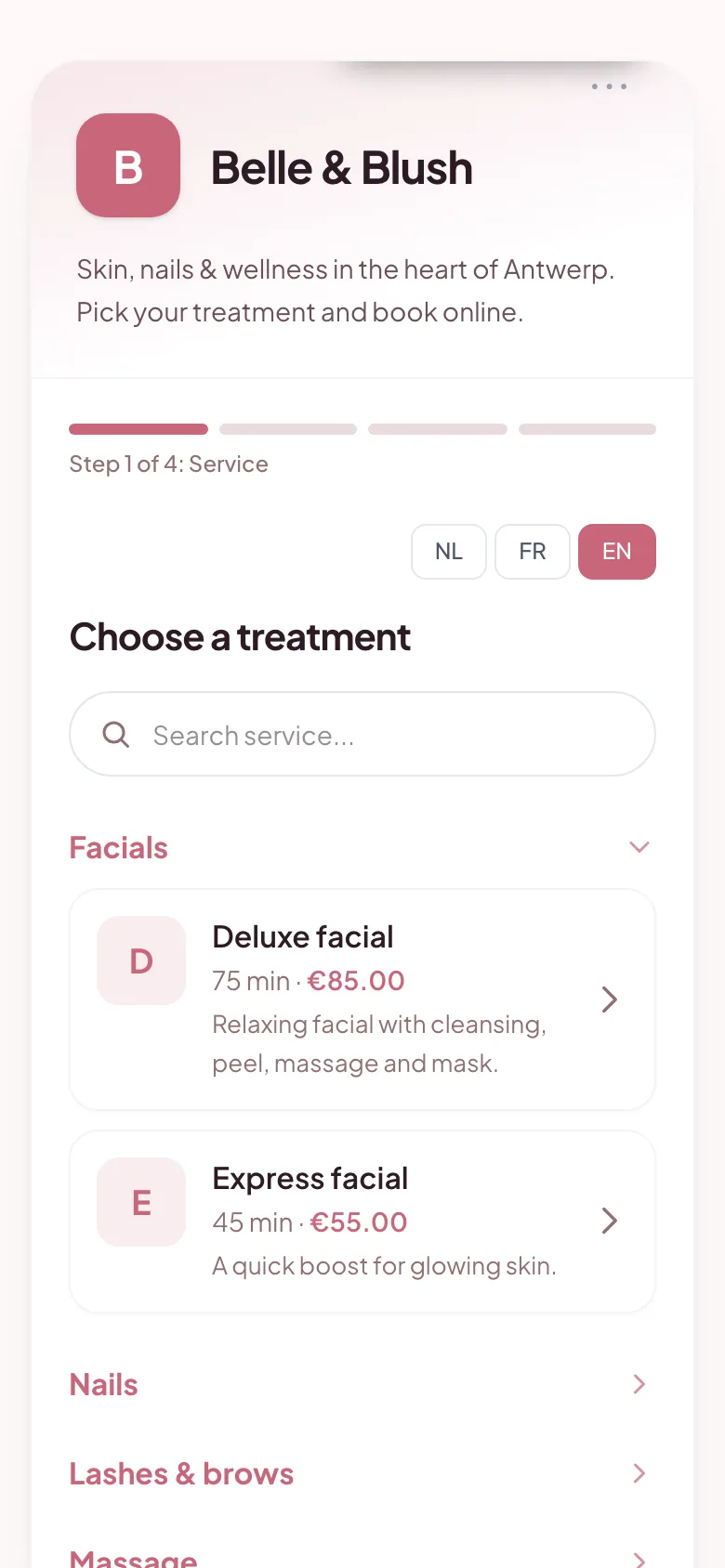
Your booking page takes your colours, your welcome message, your business name. Clients see your brand, not GlowBook's. Upload your logo, pick an accent colour, done.
A day with GlowBook in a beauty salon
Fatima works alone in her studio. A new client books a 90-minute anti-aging facial via her booking page, pays a 40% deposit with Bancontact, and fills in the intake form (retinol use, pregnancy, allergies). Fatima sees the booking pop up on her phone, reads the form over lunch, and already knows to skip glycolic acid for this client. 24 hours later the client gets a WhatsApp reminder, arrives on time, pays the balance by card or cash.
FAQs about booking software for beauty professionals
Can clients complete their intake form in advance?
Yes. If a treatment requires an intake form, the client gets a link immediately after booking to fill it in, at home, on phone or laptop. Answers appear in your dashboard under the appointment.
Can I group treatments into categories?
Yes. Create categories like 'Face', 'Body', 'Hair removal', 'Nails'. Clients first navigate by category, then by specific treatment. Much cleaner than a long flat list.
How do I manage my cancellation policy?
In your settings, set how many hours ahead a client can cancel for free, and what percentage you retain on late cancellations. GlowBook communicates this automatically at booking and in the confirmation email.
Treat the skin, not the logistics.
14 days free. No credit card. No commitment.
Start your 14-day free trial